








What to consider when choosing a surveillance system for your business

Toner vs ink: the differences explained
January 23, 2020
Five reasons your school needs an excellent security system
January 29, 2020

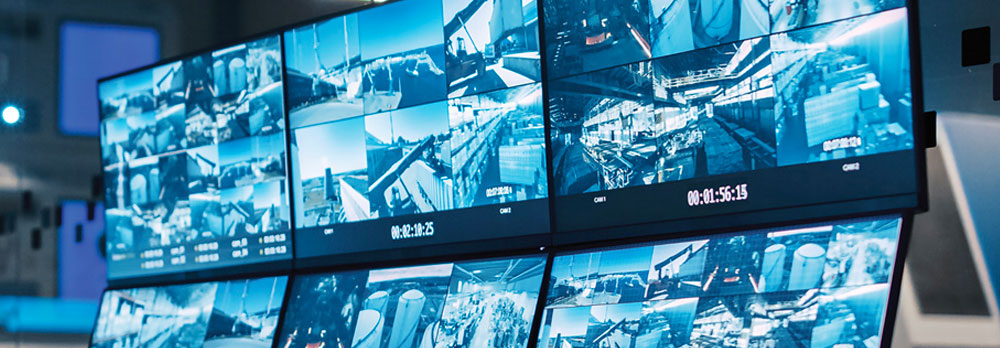
It’s important for you, as a business owner, to ensure that your office premises are kept secure against damage or theft on a 24/7 basis. That’s why it’s wise to install your very own security camera system that’ll help you keep an eye on your office and prevent intruders from breaking in and stealing any office equipment. That being said, it’s crucial that you make the right decisions regarding the components of your surveillance system, specifically your surveillance cameras and your video recorder. Here’s what to consider for each of these components.
Cameras
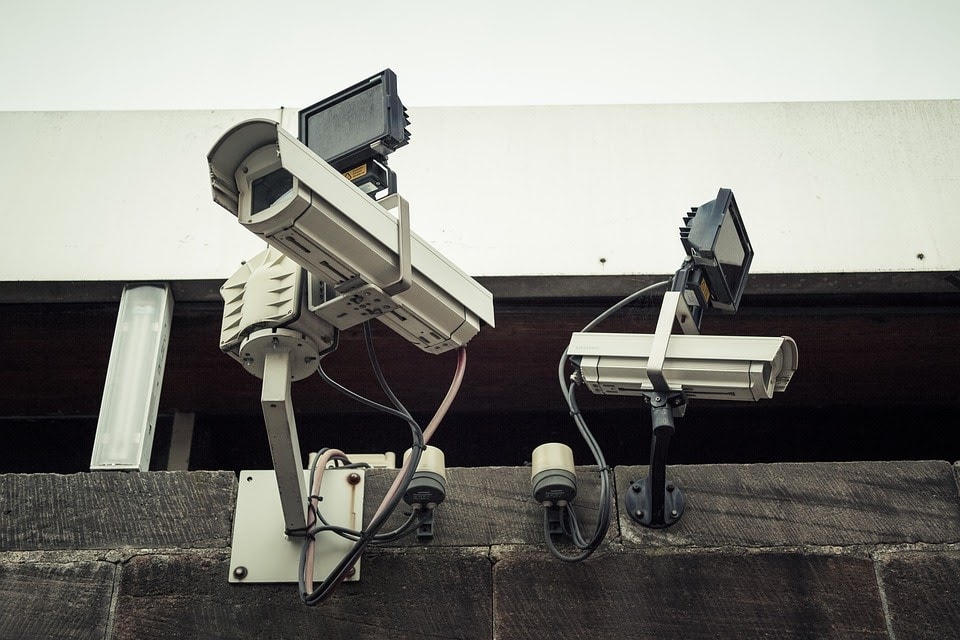
When it comes to security cameras, you’ll have the choice between traditional analogue cameras and internet protocol (IP) cameras. While analogue cameras are the more cost-effective and easy-to-use of these two options, according to Sarah Ludwig at Security Magazine, IP cameras are more advanced and come with a variety of perks.
For one thing, the quality of an IP camera’s display is superior to that of analogue cameras. This means that the resolution is one of the must-have features to look out for when choosing a security camera. In order to get a sharper image, you need a security camera that can record footage in 720 HD.
In addition to resolution, you have to take into account important aspects such as frame rate, whether or not the camera can capture footage clearly enough in dark conditions, and the camera’s ability to capture audio. In addition, if you’re thinking about installing cameras outdoors, then make sure you’ve chosen a camera model that is weather-resistant.
Video Recorders
When it comes to video recorders, you once again have more than one option to consider. You can choose between digital video recorders (DVRs) and network video recorders (NVRs). DVRs are derived from older VCR models and offer video quality that is standard in CCTV systems, while NVRs are the step in video recording technology and substantially improve upon the quality of DVRs.
There are other differences between DVRs and NVRs. Analogue cameras are connected to DVRs with the use of BNC (Bayonet Neill–Concelman) cables, and that more cables are needed when more cameras are connected. There is some difficulty in scaling up DVR systems, since you’ll have to purchase a new DVR whenever you add a new camera to the system. In addition, there needs to be close proximity between the connected cameras and the recorder in order to maintain decent video quality.
With an NVR, however, these issues totally disappear. They, along with IP cameras, are connected straight to a network, with the cameras sending footage to the NVR usually through the means of a Power over Internet (POE) switch. NVR-based systems are far easier to scale up, given that the process merely involves adding a new camera to the network, and there are no restrictions regarding the proximity between the camera and the NVR. The biggest disadvantage of an NVR-based system is that not every IP camera and NVR will be compatible with each other. You’ll have to ascertain which specific recorder your cameras work with before making a purchase.
There are also Hybrid Video Recorders (HVRs), which are compatible with both analogue and IP cameras. These are useful if you’re planning to upgrade an old system but don’t want to dispose of your old analogue cameras.
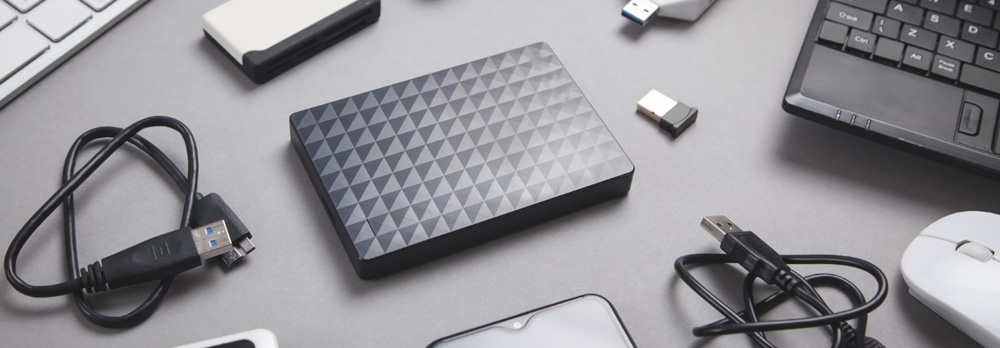
When choosing a video recorder there is also the matter of storage to consider. Your required storage capacity depends on numerous factors, such as the number of cameras you’re installing, the length of time that you want to keep your recorded footage, and the amount of archival footage you’d like to keep. There is, of course, the option of cloud storage, which will enable you to hang onto recorded footage just in case your hardware gets damaged or stolen.
There’s quite a lot to think about when it comes to choosing video surveillance for your office. Be aware of what cameras you choose, as well as what video recorders you opt for, and make sure they’re compatible. If everything works well together, then you’ve got yourself a means of keeping your company secure and keeping yourself at ease.